 RGXbot
RGXBOT / GUIDES
From your first route
to your own rules.
Step-by-step instructions: where to enter, what to set and how to check the result. Choose a topic or start by preparing your first character.
Start with the first launch →Select an instruction
15 of 15 guides
Lua in RGXbot: complete course and API reference
Learn to write Action and Lua waypoints. Learn all the functions, variables, forms and practical examples.
Read the guide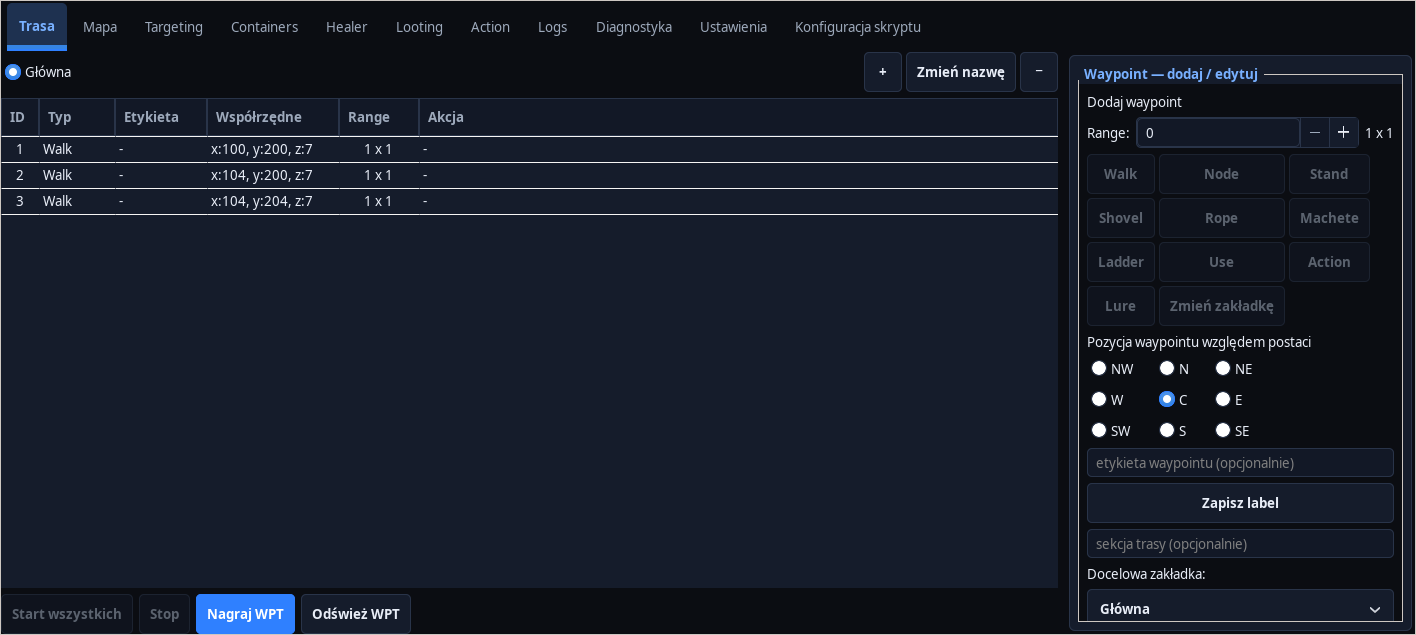
First run of RGXbot
Install the application, select the client and check the character before running the modules.
Read the guide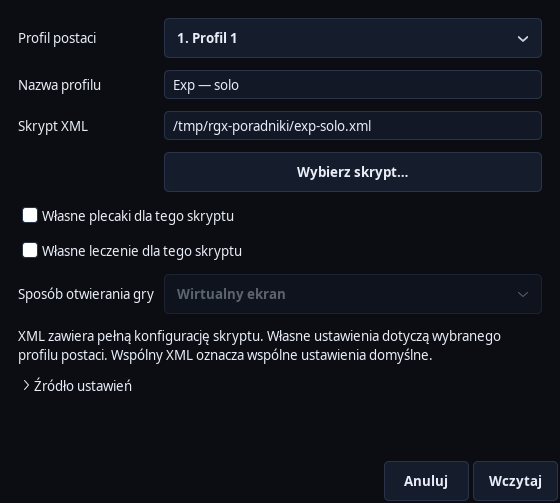
Character profiles and script recording
Save XML, use four profiles and keep shared settings separate from custom settings.
Read the guideFirst route Cavebota
Build a short route, select waypoints and check the reaction to the blocked passage.
Read the guide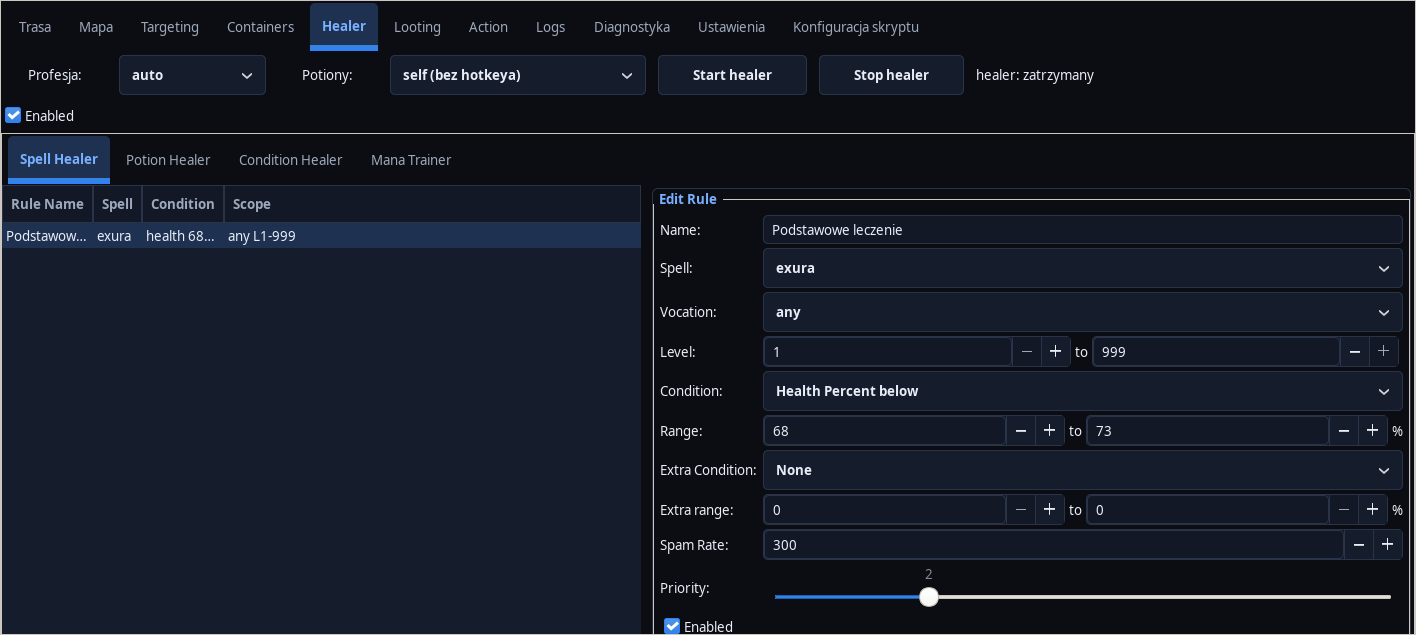
Healer: HP, mana and status removal
Configure healing and potions while respecting mana reserves and cooldowns.
Read the guide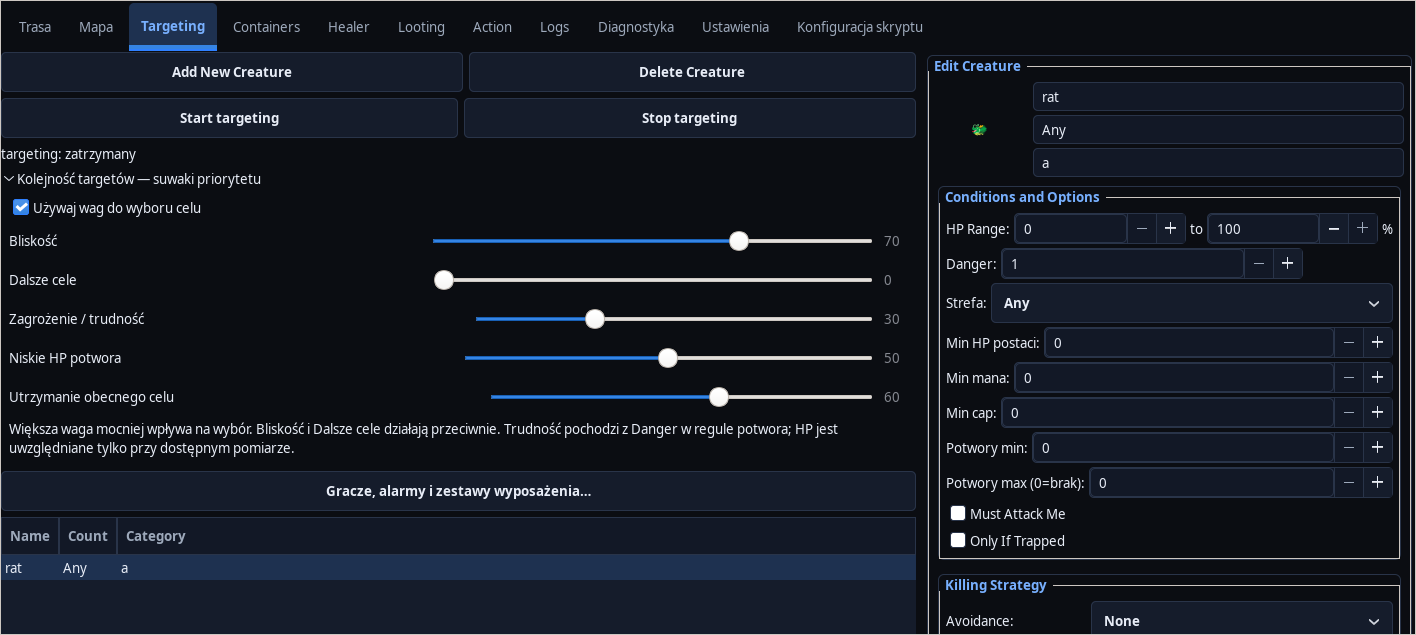
Targeting and target priority sliders
Set the behavior for monsters and choose between proximity, difficulty and finishing.
Read the guide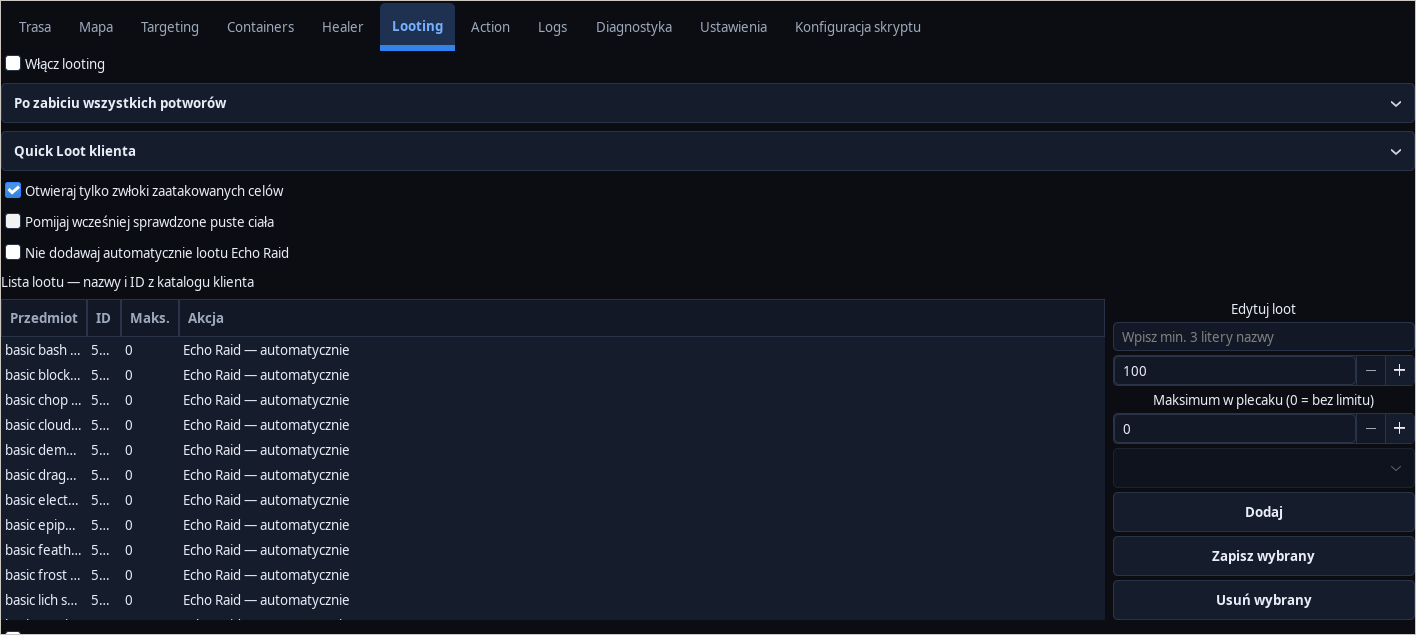
Looting, backpacks and item list
Choose Quick Loot or collection by ID and check where items go.
Read the guide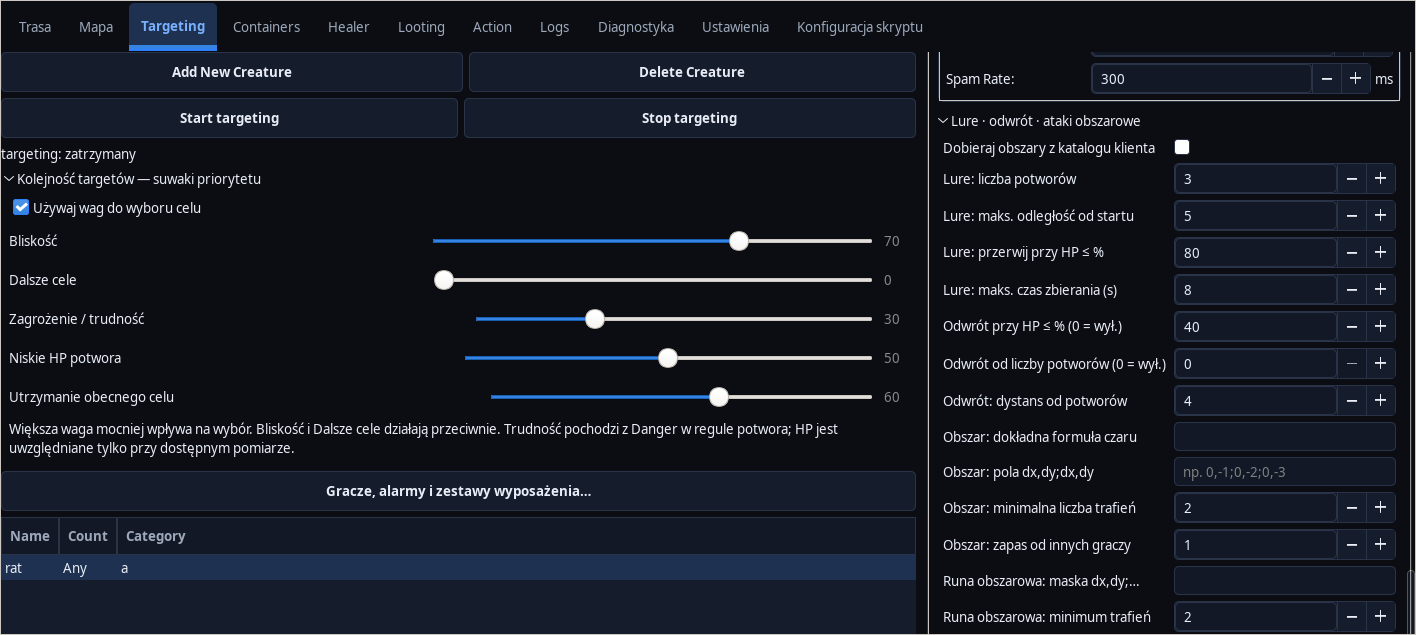
Controlled lure and retreat conditions
Limit collecting monsters by number, HP, time and distance; prepare to retreat.
Read the guide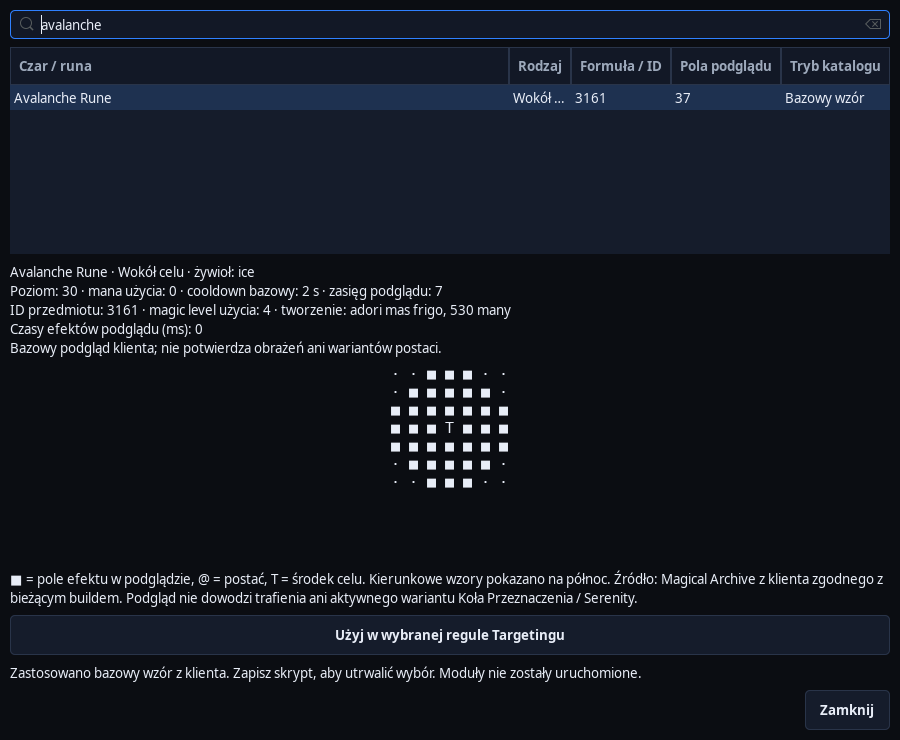
Area spells and the best rune tile
Select an area from the client's catalog and set minimum hits and protection for other players.
Read the guide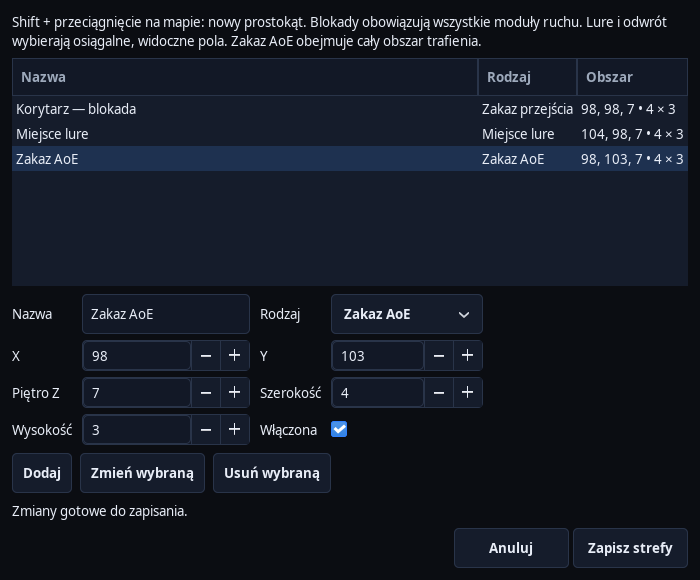
Special Areas: locks, lure, retreat and AoE ban
Draw zones on the map and assign specific movement or combat rules to them.
Read the guide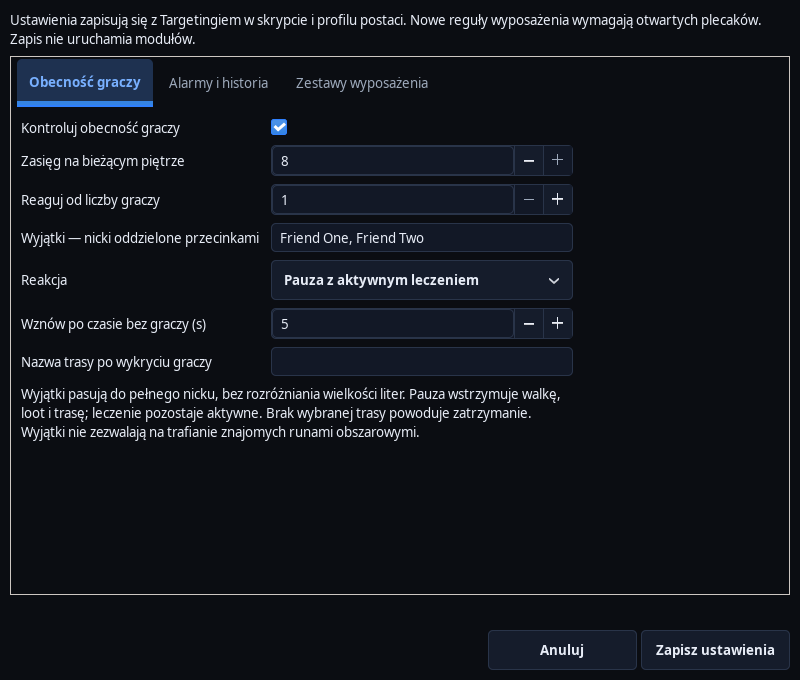
Player presence and alarm history
Choose how to react to players and check reasons for pauses, stops and alarms.
Read the guide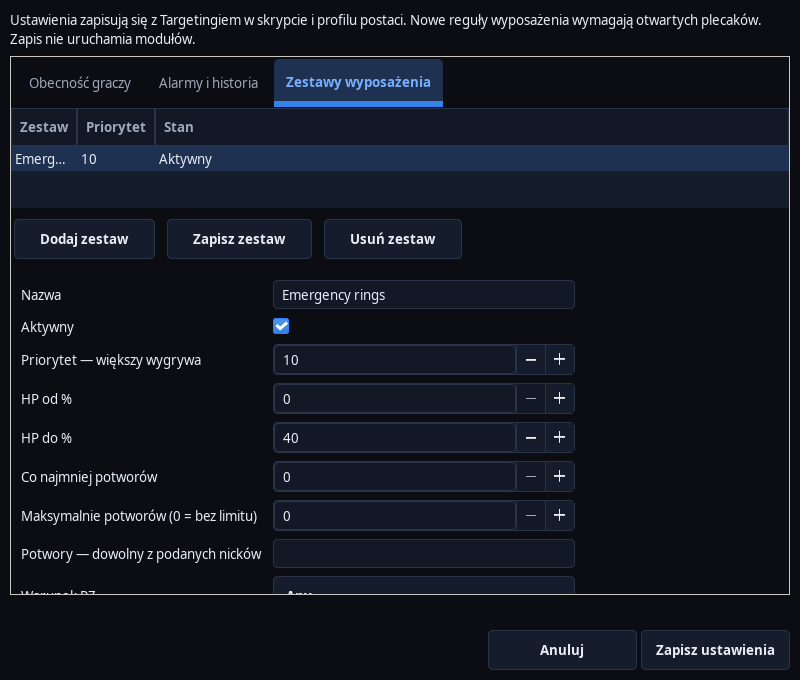
Conditional equipment sets
Change equipment based on HP, monster count and PZ, and prepare a base set.
Read the guide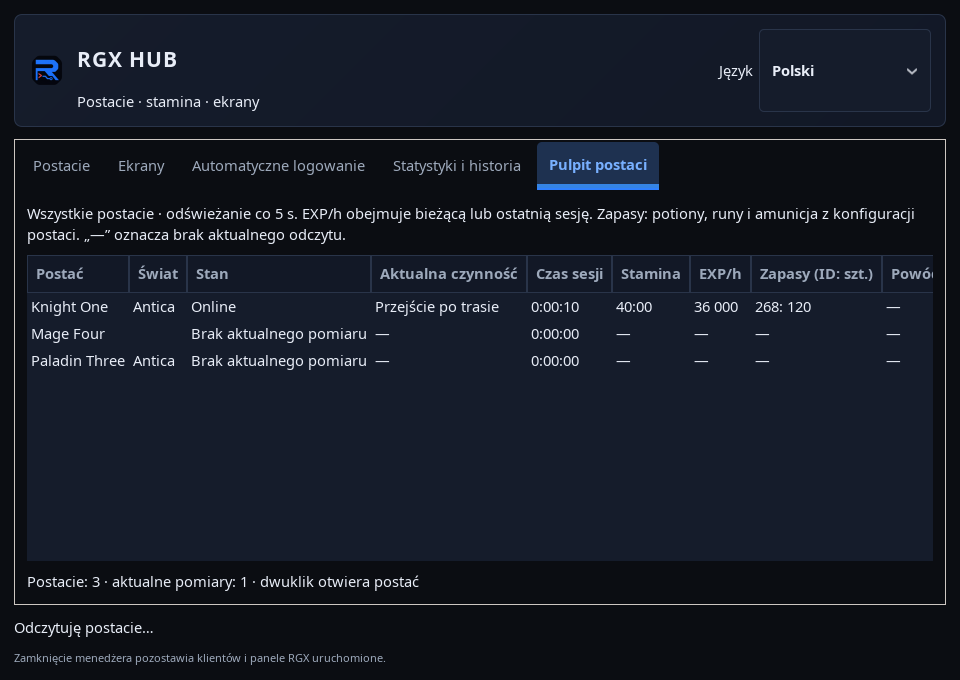
RGX HUB: All characters desktop
Check activity, session time, stamina, EXP/h, supplies and reason for stopping.
Read the guideOption forms, backpacks and own values
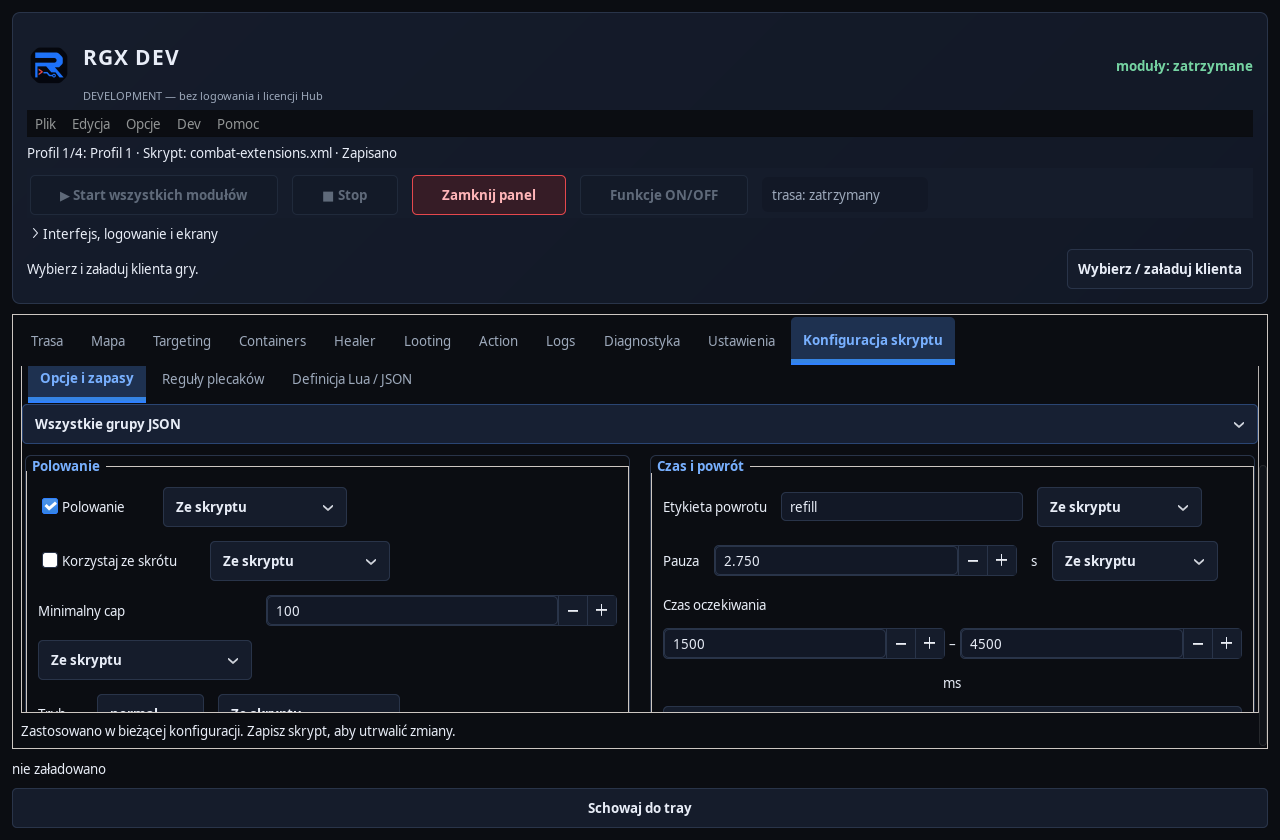
Use Script configuration to prepare a form without entering settings in multiple places.
Read the guide
The bot is standing still: step-by-step diagnostics
Find the reason for the stop and prepare a specific problem report.
Read the guide