 RGXbot
Before you start
Access to the character panel, Logs and Diagnostics tabs, and the name of the profile in use.
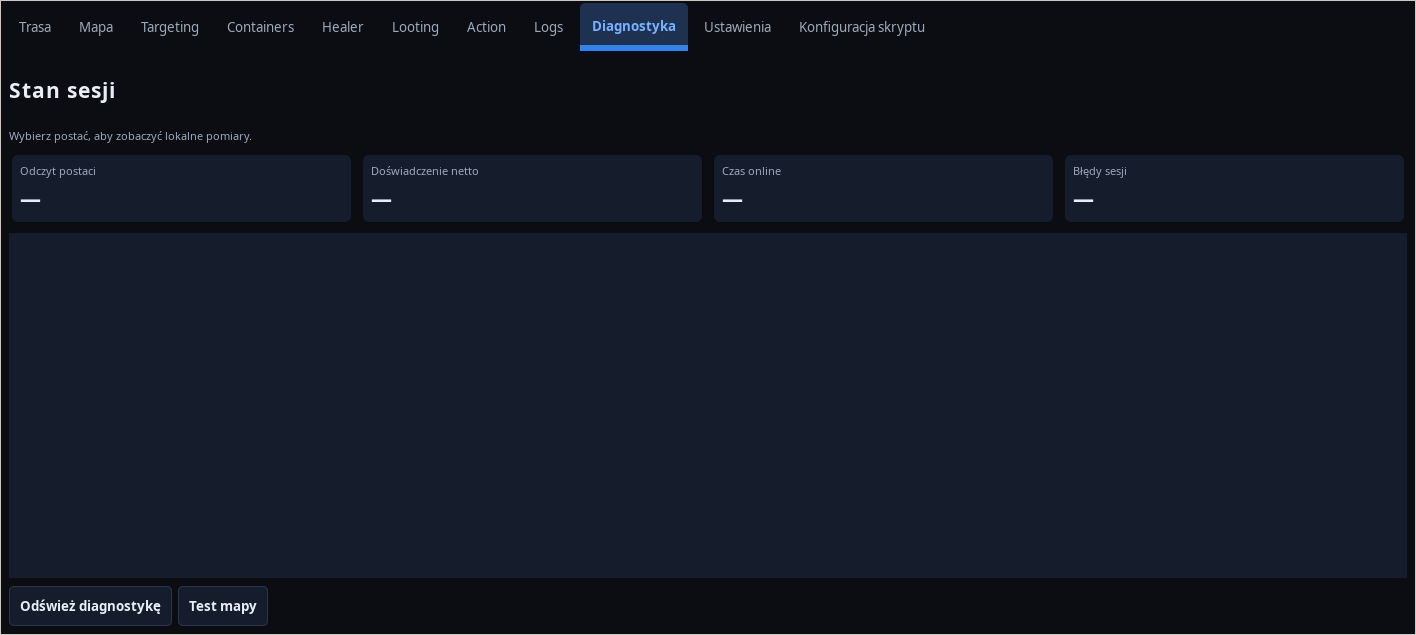 Open full screenshot ↗
Screenshot of the actual development-version interface. Settings and data are examples.
Check the character reading
Compare the name, HP, MP and position with the game. If current data is missing, check the client and sign-in first. Do not diagnose a waypoint using reads from a previous session.
Read the stop reason
Check module status, the character dashboard and alarm history. Stamina limits, death, player-presence pauses and exhausted bypass attempts have different causes.
Check the specific module's configuration
Cavebot: floor, WPT and locks. Targeting: rule, ignore, distance and handle. Healer: thresholds, mana and cooldown. Loot: method, filters, ID list and open backpacks. AoE: minimum hits, players, known area and zones.
Read the last error
In Logs and Diagnostics, find the message from the time of the problem. In case of a script error, check the indicated action. Before retrying the subject operation, view the actual status of the source and target.
Run the smallest trial
Save an XML copy with Save as… and reproduce the problem using one module, one target or a short route. Do not increase all limits at once. Preserve stop conditions and necessary healing.
Prepare your report
Provide the RGXbot and client version, module name, expected result, steps performed, time and error text. Attach a snapshot of the appropriate configuration after deleting your account details. Do not send passwords, tokens or your entire directory of private settings.
After completing the guide
You have an indicated cause or a short, repeatable description of the problem to report to support.
Troubleshooting
No error, but the character is standing
Check pause conditions and running modules. Waiting for cooldown or players to disappear may be the correct state.
Problem only on one character
Compare her profile overrides, equipment, backpacks, and available spells.